Remap360
Remap360 app icon

Remap your Advantage360 Pro. Visually, live, on your Mac.

Click a key, change it, and it's on your keyboard instantly. Free and open source.

macOS 15+ · Apple Silicon & Intel · Signed & notarized

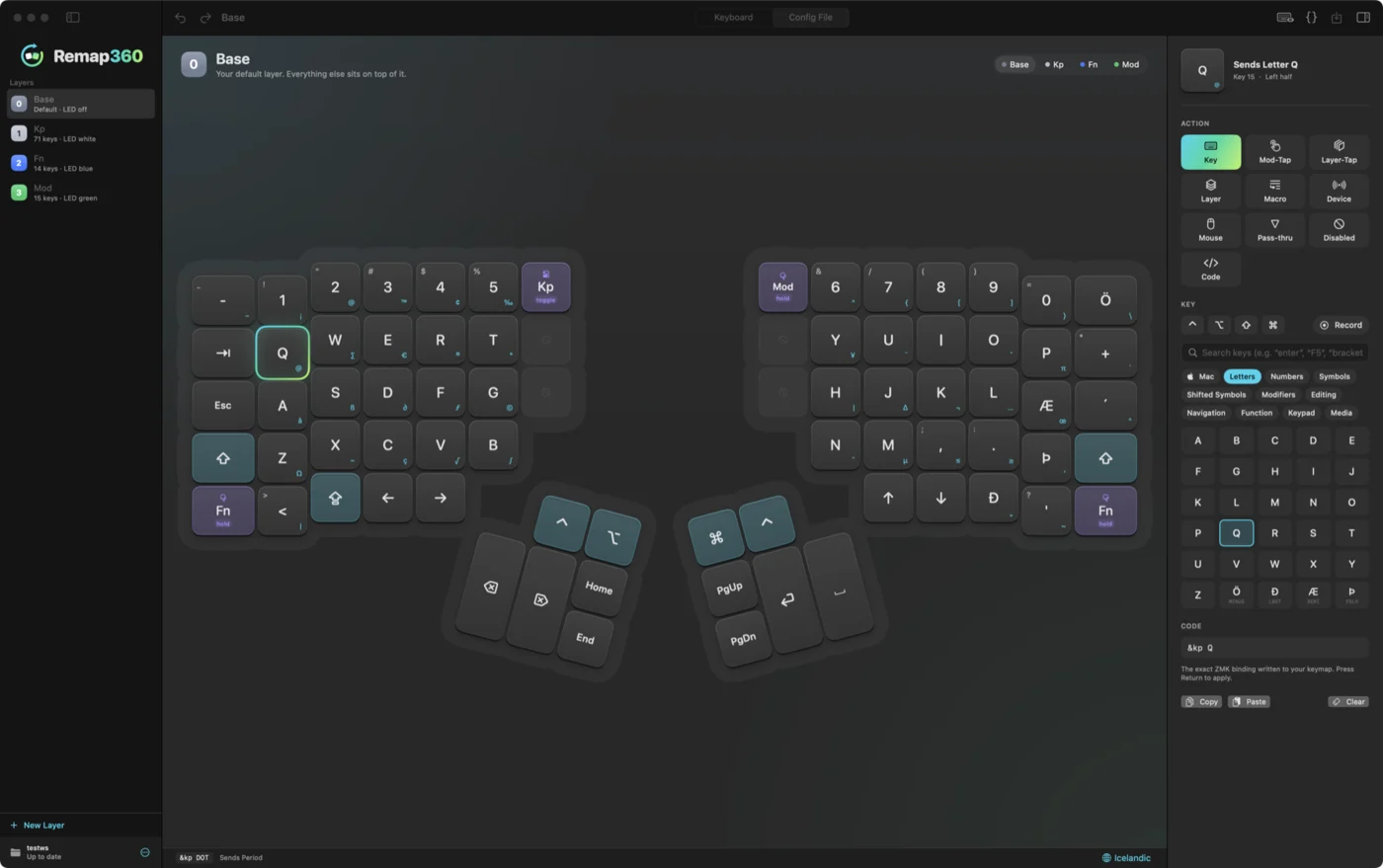
The Remap360 editor showing both halves of the Advantage360 Pro, with Icelandic legends on the keycaps and the key action panel on the right
Features

Everything you need to make the keyboard yours.

Live editing over USB

Changes are on the keyboard the moment you make them. Try, then keep or revert.
Your language on the keycaps

Legends follow your Mac's keyboard layout (English, German, French, Nordic, Icelandic…), including Shift and Option characters.

Mac shortcuts built in

Mission Control, Spotlight, screenshots, media, volume and brightness.

One-click Mac row

A MacBook-style top row on your Fn layer.

Test Pad

See exactly what every key sends.

Backups

Automatic backups, plus export and import of whole layouts.
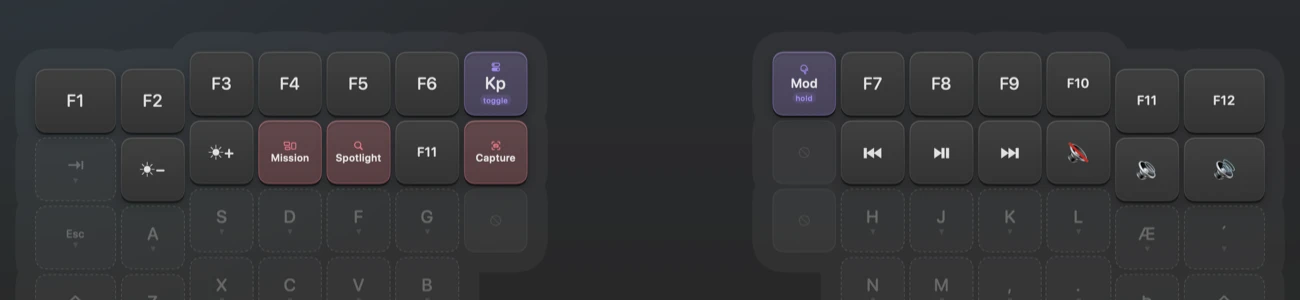
The top two rows of the Fn layer in Remap360: F1 to F12, with brightness, Mission Control, Spotlight, screenshot, media and volume keys below
Add a MacBook-style top row to your Fn layer in one click.

Install like any Mac app.

macOS 15+ · Apple Silicon & Intel · Signed & notarized
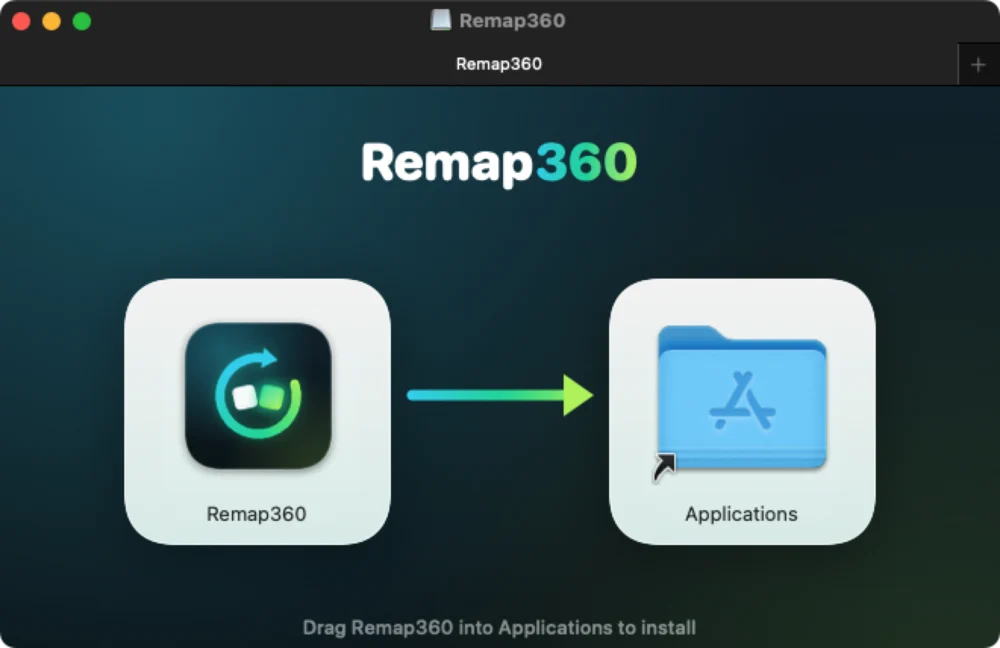
The Remap360 installer window: drag the app into Applications
How it's built

Native, from the USB protocol up.

SwiftUI

Native SwiftUI Mac app

Designed and built by BookFlow.

ZMK Studio · USB

Talks directly to the keyboard

Over USB, using ZMK's Studio protocol, implemented from scratch.

Keyboard layouts

Understands any Mac keyboard layout

Tested with US, British, German, French, Nordic and Icelandic.

MIT license

Signed, notarized, open source

Signed and notarized by Apple, open source under the MIT license.

Free for every Advantage360 Pro owner.

Download for Mac